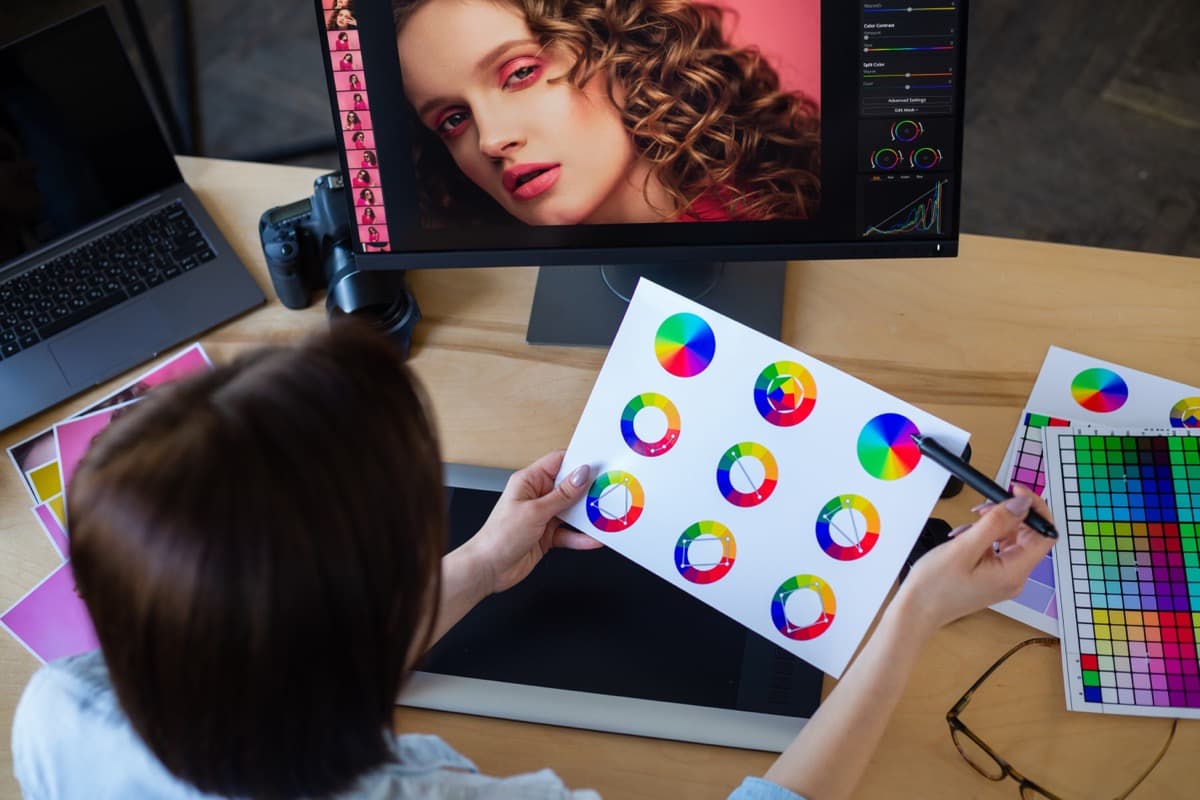
Choosing a Photo That Actually Prints Well
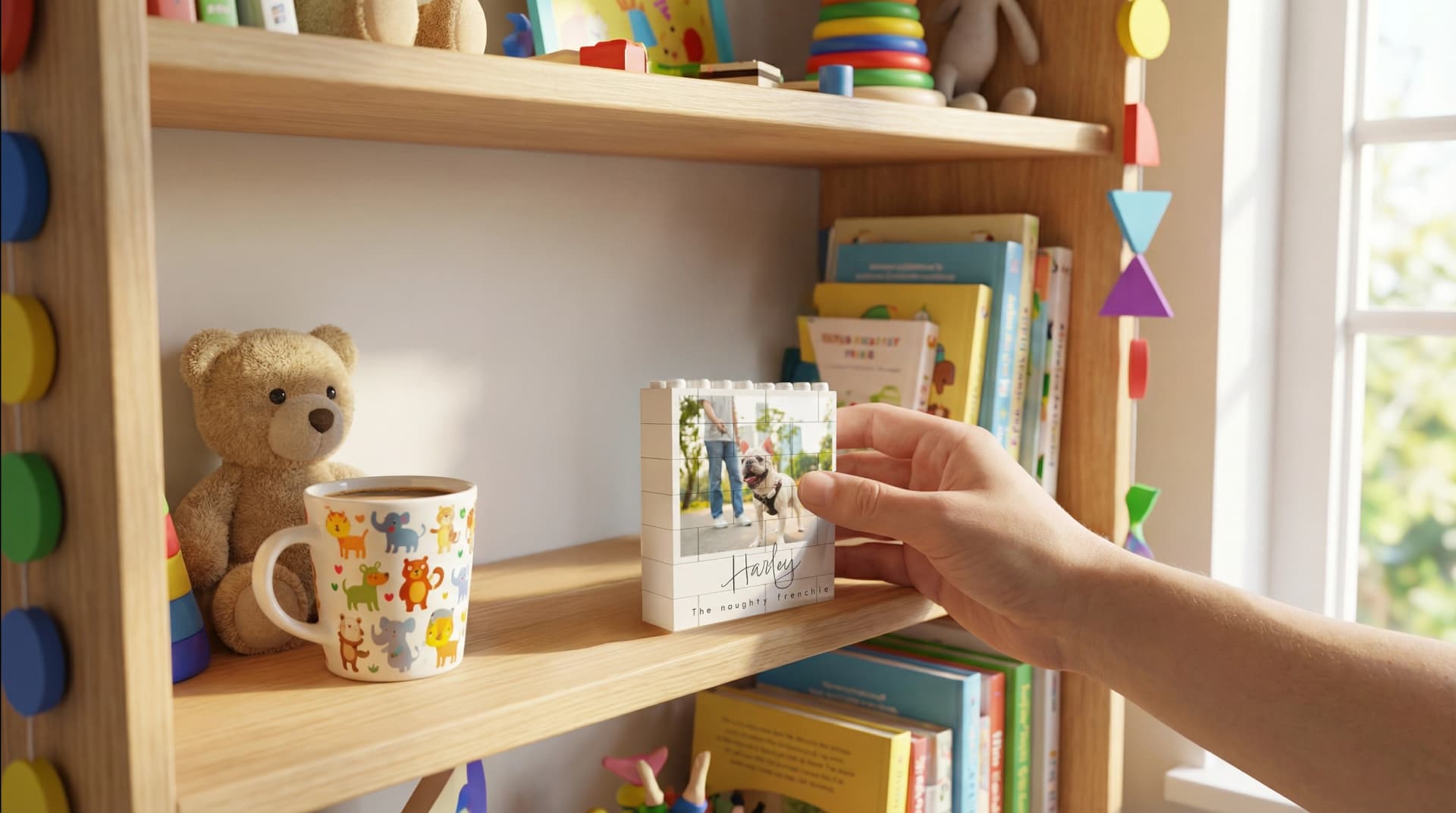
Why photos that look perfect on a phone print soft or grainy, what resolution personalised gifts need, and how to pick an image that survives being enlarged.
The most common reason a personalised order gets held up is the photograph: one that looks completely fine on a phone and will not survive being printed.
The picture itself is usually lovely. The problem is a technical mismatch between how screens work and how print works, and it catches almost everyone.
Why a Screen Lies to You
Three things make a phone flattering in ways print cannot be.
It is small. A photo displayed at 6 inches diagonal hides flaws that become obvious at 8 inches on acrylic. Every defect scales up with the print.
It is backlit. Screens emit light through the image, which lifts shadows and boosts apparent contrast. Print reflects light instead, so dark areas go muddy and the picture looks flatter than you remember.
It is compressed for you. Phones and messaging apps display a processed version that has been sharpened, brightened and colour-boosted. Print starts from the actual file.
So we have the same conversation every time: it looked fine on my phone. It did, and that is exactly why nobody spotted the problem.
What Resolution You Actually Need
For our products, the minimums are:
| Product | Minimum resolution |
|---|---|
| Golf balls | 600x600px |
| Everything else | 1200x1200px |
Maximum file size 10MB, in JPEG, PNG or WebP.
A photo taken on any phone from the last decade comfortably clears 1200x1200px in its original form. The trouble is that most photos do not reach us in their original form.
The Thing That Destroys Photos: Sending Them
Almost nobody knows this part. A picture forwarded through a messaging app is a smaller copy of the picture. Most messaging platforms compress images heavily to save bandwidth, so a 12-megapixel original can arrive as a fraction of its original resolution, and every re-send compounds it. A photo that has been through a family group chat twice may be a tenth of the file that left the camera.
It still looks fine on a phone. It prints like a photocopy of a photocopy.
Always go back to the original. Open the camera roll, find the actual photo, and upload that file. If someone else took it, ask them to send it in a way that preserves quality, not by pasting it into a chat.
The same applies to:
- Screenshots of photos (you have re-photographed a screen)
- Images saved from social media (already compressed by the platform)
- Photos pulled out of a PDF or a document
- Anything downloaded from a shared album preview instead of the full-size download
What Makes a Good Photo Beyond Resolution
Resolution is only the minimum, and a technically large file can still print badly.
Light. Daylight is doing more work than any camera setting. Photos taken indoors at night have noise in the shadows that print exaggerates. A picture taken near a window will beat a picture taken under a ceiling light every time.
Focus on the right thing. Phone cameras guess. Check that the sharpest part of the image is the face, not the shoulder behind it.
Room around the subject. Different products crop differently: a square photo block, a round night light and a rectangular plaque all need different shapes. A photo with the subject jammed against the edge cannot be cropped for any of them. Leave space.
Not too many people. A photo of fourteen people at a wedding becomes fourteen unrecognisable faces at 100x100mm. The smaller the product, the fewer the subjects.
Contrast between subject and background. Dark hair against a dark wall separates well on a screen and merges in print.
Product-Specific Notes
- Small blocks and cubes: the 100x100mm photo block at £19.99 and the Custom Photo Cube at £17.99 want one or two subjects, close in. Group shots do not work at this size.
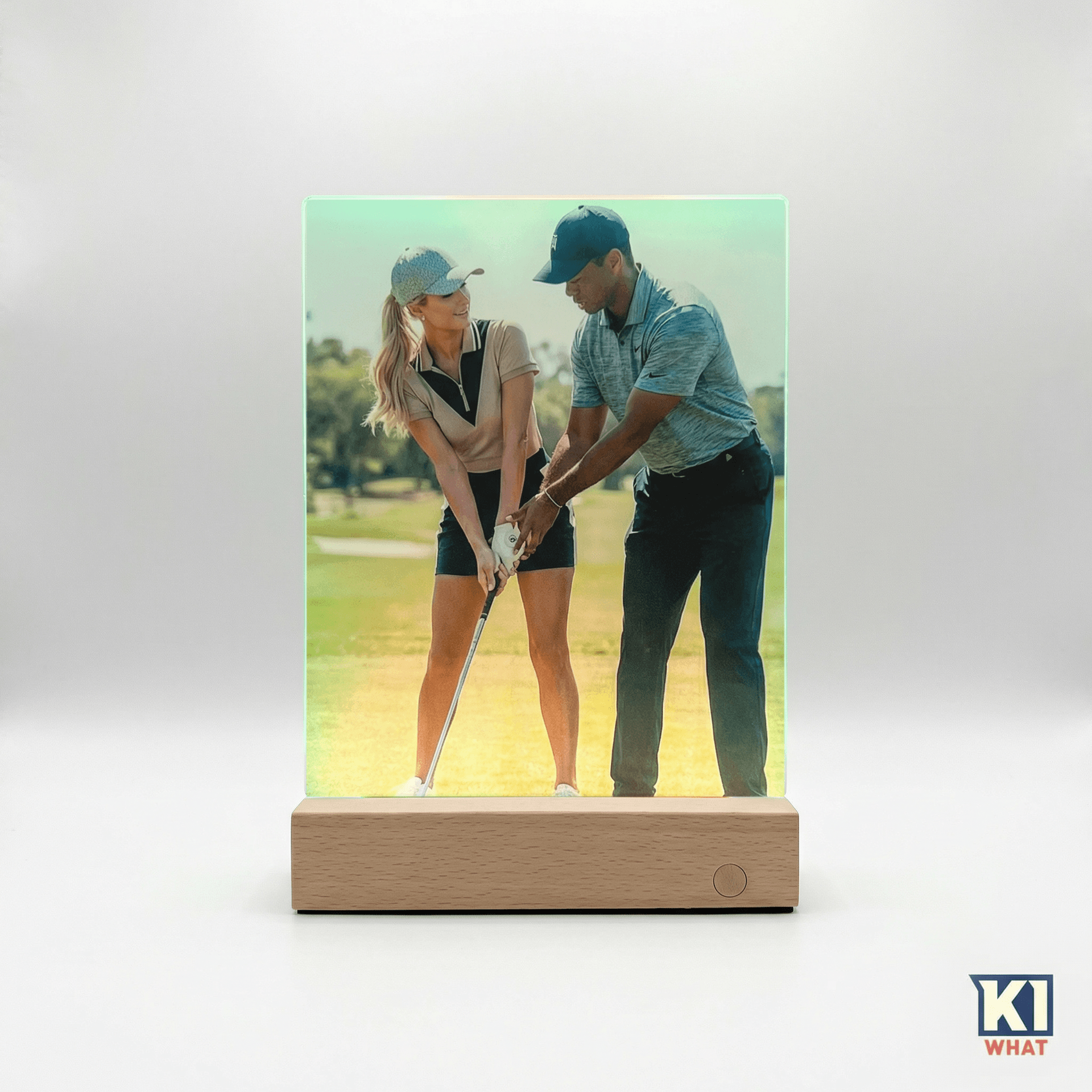
- Lit products: an LED photo frame or acrylic warm light at £24.99 pushes light through the image, so a dark photo goes darker and a bright one glows. Choose brighter than you think.
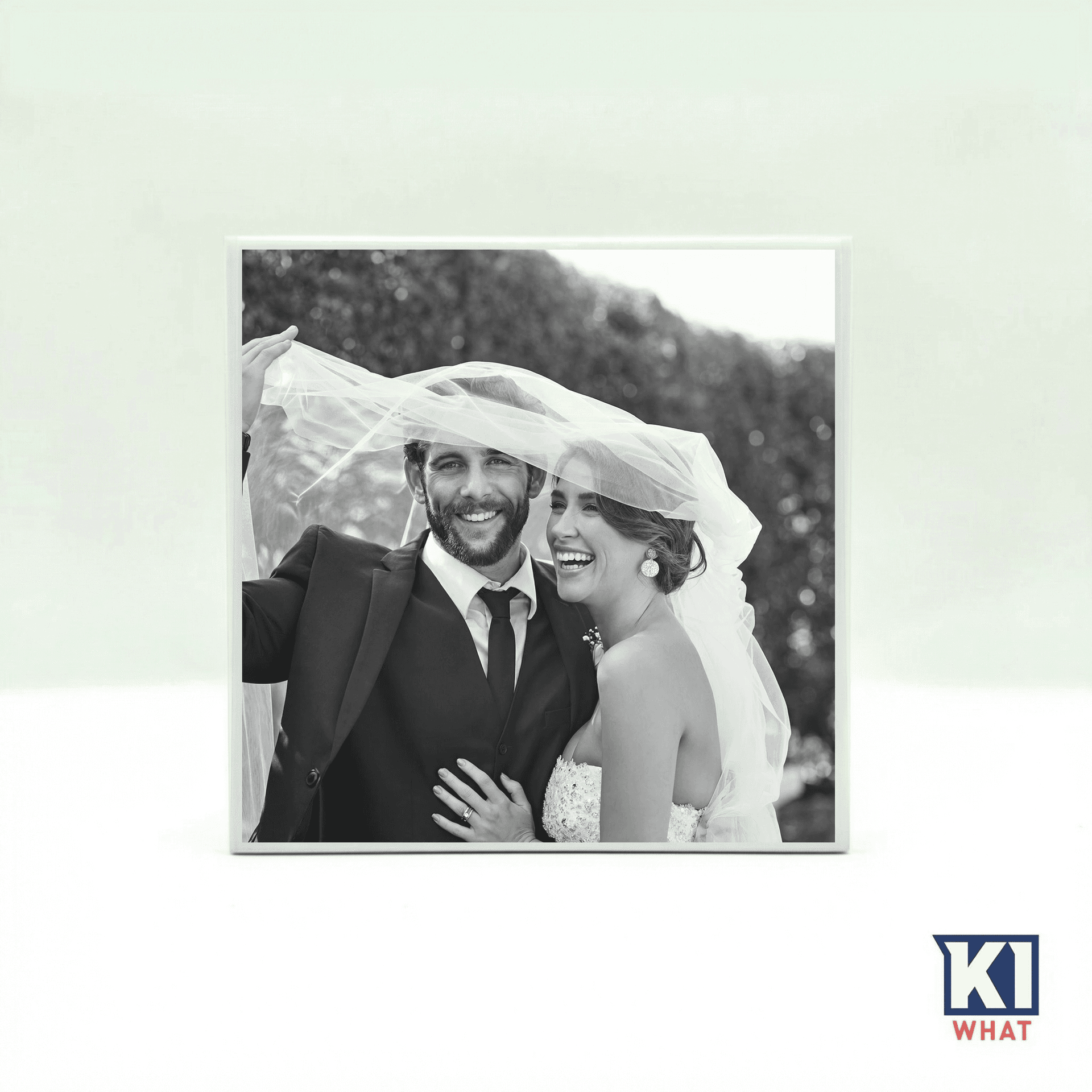
- Black and white tiles: a photo tile at £24.99 is forgiving about colour and unforgiving about contrast, since colour is no longer separating your subject from the background.
- Larger blocks: the 200x150mm block at £39.99 is where resolution starts to matter most, because any softness is enlarged along with everything else.
A Thirty-Second Check Before You Upload
- Open the original file, not a forwarded copy.
- Zoom to 100% on the main face. If it is soft there, it will be soft in print.
- Look at the darkest area. If you cannot make out detail on screen, there will be none on the product.
- Check there is space around the subject for cropping.
- Confirm the file is at least 1200x1200px and under 10MB.
If a photo fails any of these, it is nearly always faster to find a different photo than to try to rescue that one.
What Happens If It Is Too Low
We query it instead of printing it. Printing a bad file and shipping it helps nobody, but it does mean the order sits waiting for a reply, which is one of the main causes of a late delivery. Our lead-time guide has the full production and delivery timeline.
Because personalised items are made to order, they cannot be returned or refunded for a change of mind, only replaced or refunded if they arrive damaged or defective. That makes getting the photo right first time the most important step.
Frequently Asked Questions
Why does my photo look blurry when printed?
Almost always because the file was compressed before it reached us, usually by being forwarded through a messaging app. Screens are small, backlit and show a processed preview, so the loss is invisible until it is printed. Use the original file from the camera roll.
What resolution do I need for a personalised photo gift?
At least 1200x1200px for most products and 600x600px for golf balls, up to 10MB, in JPEG, PNG or WebP. Any modern phone photo clears this in its original form.
Do screenshots work for photo gifts?
No. A screenshot is a re-capture of a screen at screen resolution, which is far below what print needs. Find the original image instead.
Does WhatsApp reduce photo quality?
Messaging apps generally compress images to save bandwidth, and the loss compounds each time a photo is re-sent. Always ask for the original file instead of accepting a forwarded copy.
What kind of photo works best on a lit acrylic product?
A brighter one than you would choose for a normal print. Lit products push light through the image, so dark photos get darker. Daylight shots with good separation between subject and background work best.
Written By
Shane
Content Team
Part of the Keep It What team, dedicated to helping you create meaningful personalised gifts.
Related Articles
Acrylic Prints for Photographers and Artists: A Guide to Selling Them Without an Acrylic Printer
How to Care for Personalised Gifts: Engraved, UV-Printed and Photo Items